
A couple of my clients have asked me how to access the synonym mentioned by a user when working with the IBM Watson Conversation service. Accessing the matching entity is well documented but it wasn’t apparent how to get the actual word or words mentioned by the user that the entity was matched on.
Having asked the question internally and received the answer I thought I would share in lieu of the documentation being updated. The answer is actually in the documentation here but without explanation so my clients and I missed it.
The scenario is pretty common and straight forward, lets say you have an entity called Account_Type with an entry for Bronze with a synonym of Basic. Your dialog flow for opening an account asks the user what type of account they would like to open, to which they say “I’d like to open a basic account please”. At this point your dialog is configured with:
“Okay, I’ll open a @Account_Type for you now.”

The result will be a replacement of the @Account_Type placeholder with “Bronze”. This can be confusing for users and communicates a sense of inflexibility that is less than ideal. Instead we can access the synonym mentioned by the user with:
<?entities["Account_Type"][0].literal ?>
We configure our output as:
Okay, I’ll open a <?entities["Account_Type"][0].literal ?> for you now.
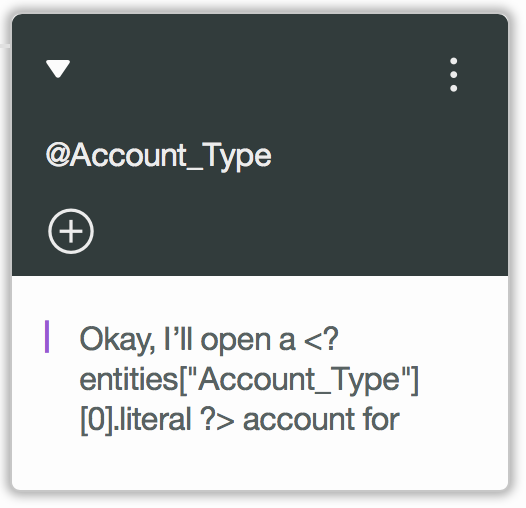
The result will now be that the placeholder is replaced with the word “basic”.
 Olly Cox
You must be logged in to post a comment.